
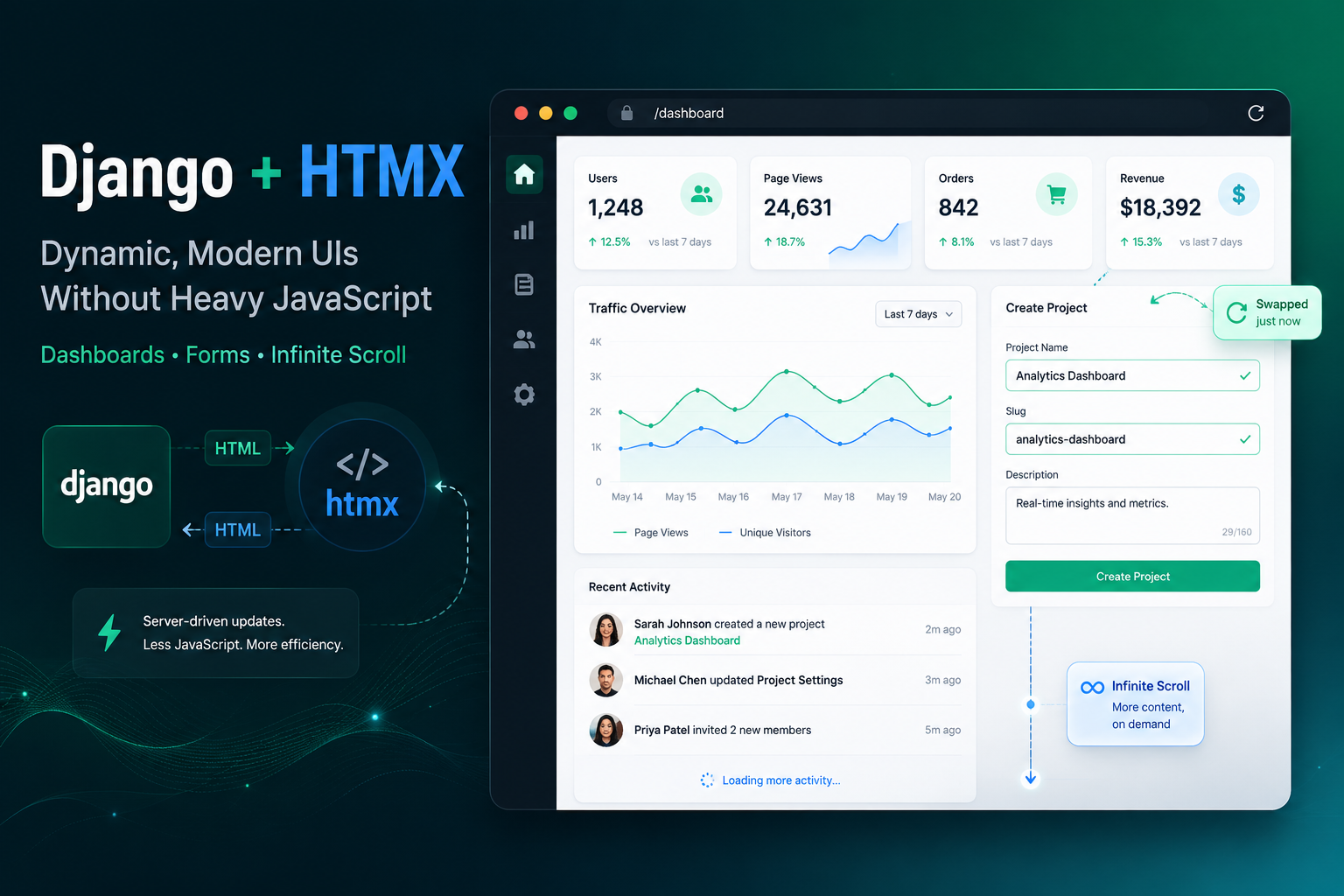
Django + HTMX: Building Dynamic, Modern UIs Without Heavy JavaScript
In 2026, full-stack developers are rediscovering the joy of server-driven development. Django remains one of the most powerful and mature Python web frameworks, while HTMX has emerged as a lightweight powerhouse that brings modern interactivity to plain HTML. Together, they let you build rich, responsive applications—dashboards, SaaS tools, admin panels, e-commerce experiences—without wrestling with heavy JavaScript frameworks like React, Vue, or Angular.
This guide walks you through the philosophy, setup, and practical step-by-step examples for building truly interactive apps with Django + HTMX.
Why Django + HTMX?
Traditional approach (SPA-heavy):
- Complex frontend build pipelines (Vite, Webpack)
- State management headaches (Redux, Pinia, etc.)
- Duplicated validation logic
- SEO and accessibility challenges
Django + HTMX approach:
- Server renders HTML → HTMX swaps targeted fragments
- All business logic stays in Python/Django
- Minimal JavaScript (often just a few lines)
- Excellent performance and simplicity
- Progressive enhancement built-in
HTMX extends HTML with attributes like hx-get, hx-post, hx-swap, hx-target, turning any element into a dynamic component.
Project Setup
django-admin startproject htmx_demo
cd htmx_demo
python manage.py startapp core
In your base template (templates/base.html):
<script src="https://unpkg.com/htmx.org@2/dist/htmx.min.js"></script>Example 1: Dynamic Forms with Real-time Validation
views.py
from django.shortcuts import render
from django.http import HttpResponse
from .forms import CustomUserCreationForm

def register(request):
    if request.method == 'POST':
        form = CustomUserCreationForm(request.POST)
        if form.is_valid():
            user = form.save()
            return render(request, 'partials/registration_success.html', {'user': user})
        else:
            return render(request, 'partials/registration_form.html', {'form': form})
    else:
        form = CustomUserCreationForm()
    return render(request, 'register.html', {'form': form})
Template - register.html
<div id="registration-form">
    {% include 'partials/registration_form.html' %}
</div>
partials/registration_form.html
<form id="register-form"
      hx-post="{% url 'register' %}"
      hx-target="#registration-form"
      hx-swap="outerHTML">
    {% csrf_token %}
    {{ form.as_p }}
    <button type="submit">Register</button>
</form>
Example 2: Interactive Dashboard
views.py (excerpt)
def dashboard(request):
    region = request.GET.get('region', '')
    sales = Sale.objects.all()
    if region:
        sales = sales.filter(region=region)

    context = {
        'sales': sales[:50],
        'total_sales': total_sales,
        'regions': regions
    }
    return render(request, 'dashboard.html', context)
Template
<select hx-get="{% url 'dashboard' %}"
        hx-target="#sales-table"
        hx-trigger="change">
    <option value="">All Regions</option>
    ...
</select>

<table id="sales-table">
    ...
</table>
Example 3: Infinite Scroll
views.py
from django.core.paginator import Paginator

def product_list(request):
    page_number = request.GET.get('page', 1)
    products = Product.objects.all()
    paginator = Paginator(products, 20)
    page_obj = paginator.get_page(page_number)

    context = {'page_obj': page_obj}

    if request.htmx:
        return render(request, 'partials/product_list.html', context)
    return render(request, 'product_list.html', context)
Template
<button hx-get="{% url 'product_list' %}?page={{ page_obj.next_page_number }}"
        hx-target="#product-container"
        hx-swap="beforeend"
        hx-trigger="revealed">
    Load More
</button>
Advanced Patterns
- Modals: Load content with
hx-getinto a modal div - Tabs: Use
hx-getto swap tab content - Delete with confirmation:
hx-delete+hx-confirm - Real-time updates: Polling with
hx-trigger="every 5s"or Django Channels
Best Practices
- Use
request.htmxto detect HTMX requests and return partial templates - Keep templates DRY with many small partial templates
- Always use
{% csrf_token %} - Ensure progressive enhancement (works without JavaScript)
- Use
hx-push-url="true"for proper browser history - Pair with Tailwind CSS for beautiful UIs
Common Pitfalls & Solutions
- History & Back Button: Use
hx-push-url - Large payloads: Target small HTML fragments
- Complex state: Add Alpine.js if needed (still very light)
Conclusion
Django + HTMX represents a return to sanity in web development. You get the productivity and security of Django combined with the responsiveness users expect — without the complexity of modern SPAs.
This stack is particularly powerful for internal tools, dashboards, SaaS applications, and rapid prototyping.
Start small. Replace one interactive section of your existing Django app with HTMX today. You’ll be amazed how much faster you can ship features.
Happy coding! 🚀